


Watch this article as a video
Introduction to OpenClaw: Your Self-Hosted AI Assistant
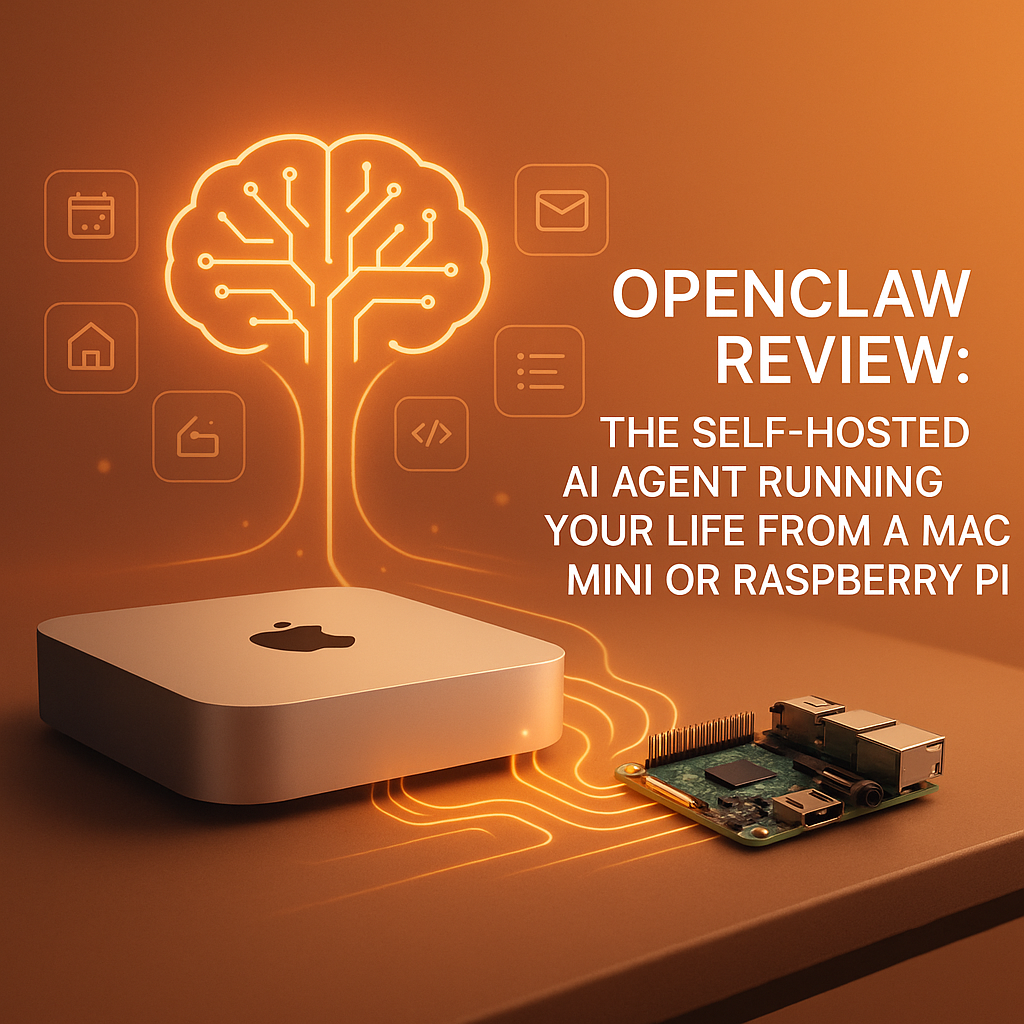
Imagine having a personal AI assistant that doesn’t live in the cloud but runs securely on your own hardware—whether it’s a Mac Mini sitting on your desk or a compact Raspberry Pi humming away quietly. This is exactly what OpenClaw AI offers: a powerful, open source, self-hosted AI agent designed to bring the convenience of intelligent automation to your life without compromising your privacy.
In this review, we’ll dive deep into what makes OpenClaw stand out, how it integrates with popular messaging platforms like Telegram and WhatsApp, and why it might just be the personal AI assistant you’ve been waiting for.
What is OpenClaw AI?
OpenClaw.ai is an open source AI agent platform that empowers users to operate their own AI assistant in a fully self-hosted environment. Unlike cloud-based AI services, OpenClaw runs locally on devices like a Mac Mini or Raspberry Pi. This means your data stays private, and you maintain full control over your AI agent’s behavior and capabilities.
At its core, OpenClaw is designed to be a friendly and customizable AI assistant, complete with natural language understanding and the ability to perform a wide range of tasks—from scheduling and reminders to automating workflows based on your preferences.
Key Features of OpenClaw AI
Self-Hosting on Affordable Hardware
One of OpenClaw’s coolest features is its ability to run smoothly on modest hardware. The Mac Mini and Raspberry Pi are affordable, low-power devices perfect for continuous AI operation without the need for expensive cloud subscriptions or complex server setups.
Integration with Messaging Apps
OpenClaw shines as a Telegram AI assistant and a WhatsApp AI bot, meaning you can chat with your AI in environments you already use daily. Whether you’re sending commands or asking questions, OpenClaw listens and responds instantly through these popular platforms.
Open Source and Customizable
Because OpenClaw is open source, tech enthusiasts and developers can tweak and tailor its code to suit very specific needs. This freedom means the AI assistant can continuously improve and evolve according to user feedback and the wider community’s creativity.
Privacy and Security Focus
Unlike cloud-dependent AI assistants that send your data to external servers, OpenClaw keeps everything local. This reduces your digital footprint and minimizes security risks, giving peace of mind to privacy-conscious users.
Setting Up OpenClaw on Mac Mini or Raspberry Pi
Getting started with OpenClaw is surprisingly straightforward, especially if you’re familiar with basic command line operations. The official documentation provides easy-to-follow instructions for installing dependencies, configuring the AI agent, and connecting it to Telegram or WhatsApp.
On a Raspberry Pi, you’ll appreciate how lightweight the software is, conserving both CPU and memory usage. The Mac Mini, meanwhile, offers a little more processing power for users who want to push OpenClaw’s capabilities further.
Use Cases That Really Shine
Personal Productivity
OpenClaw can manage your calendar, set reminders, help draft messages, and even automate repetitive tasks. Imagine sending a Telegram message to check your agenda or WhatsApp to prep a grocery list.
Smart Home Control
If connected to compatible IoT devices, OpenClaw can act as a bridge for voice or text-based commands to control lights, thermostats, or music systems from your messaging apps.
Learning and Development
Developers can use OpenClaw as a sandbox to build and test AI workflows, integrate new modules, and experiment with automation — all in a private, self-hosted ecosystem.
How OpenClaw Compares to Other AI Assistants
Many AI assistants require cloud accounts and always-on internet connections, which can be a turn-off for privacy-minded users. OpenClaw’s self-hosted nature sets it apart by giving you full data ownership. Additionally, its support for popular chat platforms like Telegram and WhatsApp makes interaction natural and seamless.
While some AI assistants offer more polished voice capabilities, OpenClaw focuses on chat-driven interfaces, which are often more convenient for multitasking and can be used discreetly.
Limitations and Areas for Improvement
Because OpenClaw runs on local hardware, its power ultimately depends on your device specs. High-end AI computations might be slower on Raspberry Pi compared to cloud-based solutions. Moreover, the setup process could be challenging for users with limited technical skills, although community support helps ease this.
Final Thoughts
OpenClaw AI is a refreshing take on personal AI assistants — one that prioritizes privacy, openness, and flexibility. Whether you’re a developer looking for a customizable AI toolkit or just someone curious about having a personal AI that respects your data, OpenClaw running on a Mac Mini or Raspberry Pi might be the perfect fit.
With the added convenience of interacting through Telegram or WhatsApp, you get a truly personal AI assistant ready to help simplify your daily routines without sacrificing control or security. Give OpenClaw a try and start running your life with an AI that’s truly yours.
Where to Learn More
Check out OpenClaw’s official website for detailed documentation, installation guides, and community forums to get you started.
